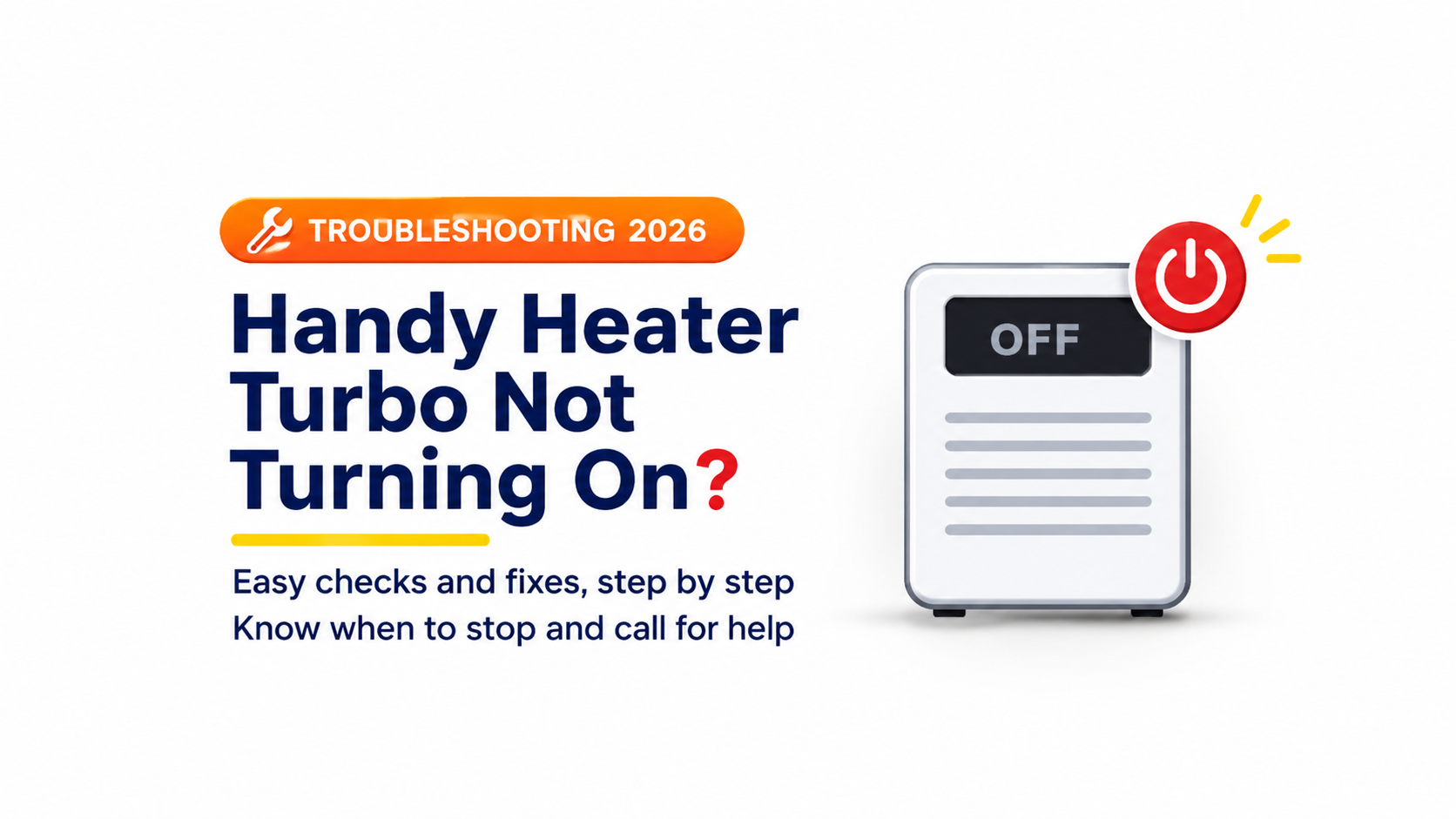
You plug in your heater, press the button and nothing happens. No light, no warmth, no sound. If your Handy Heater Turbo is not turning on, you are not alone. This compact plug-in heater is popular for small rooms, dorms, offices and bathrooms, and a “dead” heater is one of the most common complaints with any small wall-outlet heater.
The good news is that many cases come from simple causes, such as a dead outlet, a loose connection, a thermostat set too low or the safety system switching the heater off. In this step-by-step guide you will learn the most likely reasons your heater will not start, how to check each one safely, what to do if the heater turns on but gives no heat and when it is time to stop and get help or a replacement.
About the Handy Heater Turbo
The Handy Heater Turbo, often sold as the Turbo 800, is a compact ceramic heater that plugs directly into a standard wall outlet. Retail listings describe it as an 800-watt model with ceramic heating technology, quiet operation and built-in safety features such as a stay-cool housing and auto shut-off. Some versions are described with a digital touch control and a timer. Because the details can differ between versions and sellers, always check the manual that came with your unit for exact controls and specifications.
This design is convenient, but it also explains why certain faults are common. The heater depends on a good connection to the wall outlet, has electronic controls and includes protective systems that can switch it off. Any of these can stop it from starting.
Before You Start: Basic Safety Rules
- Unplug the heater before inspecting it, cleaning it or checking the plug.
- Never open the heater or try to repair internal parts. Internal repairs are unsafe and can cancel your warranty.
- Do not use a heater with a damaged plug, scorch marks or a burning smell.
- Keep the heater dry. Do not use it with wet hands or near water unless it is clearly rated for that.
- Stay present when testing. Do not leave the heater running unattended while you troubleshoot.
Quick Checklist: 10 Reasons Your Handy Heater Turbo Will Not Turn On
| # | Possible Cause | Quick Fix |
|---|---|---|
| 1 | Outlet has no power | Test the outlet with another device, check the breaker and reset any tripped outlet |
| 2 | Loose or poor plug connection | Unplug, check the prongs and push in firmly, or try a different outlet |
| 3 | Power strip or extension used | Plug directly into a wall outlet |
| 4 | Heater not switched on or in standby | Press and hold the power control as the manual describes |
| 5 | Thermostat set below room temperature | Raise the temperature setting |
| 6 | Timer or auto-off active | Cancel or reset the timer |
| 7 | Overheat protection triggered | Unplug, let it cool, clear vents and restart |
| 8 | Blocked vents or dust build-up | Clean vents when unplugged and cool |
| 9 | Control glitch or electronic fault | Unplug for 10 to 15 minutes, then plug in again |
| 10 | Internal fault or burned-out safety fuse | Stop using it and contact the seller or manufacturer |
Step-by-Step Troubleshooting
Step 1: Check That the Outlet Has Power
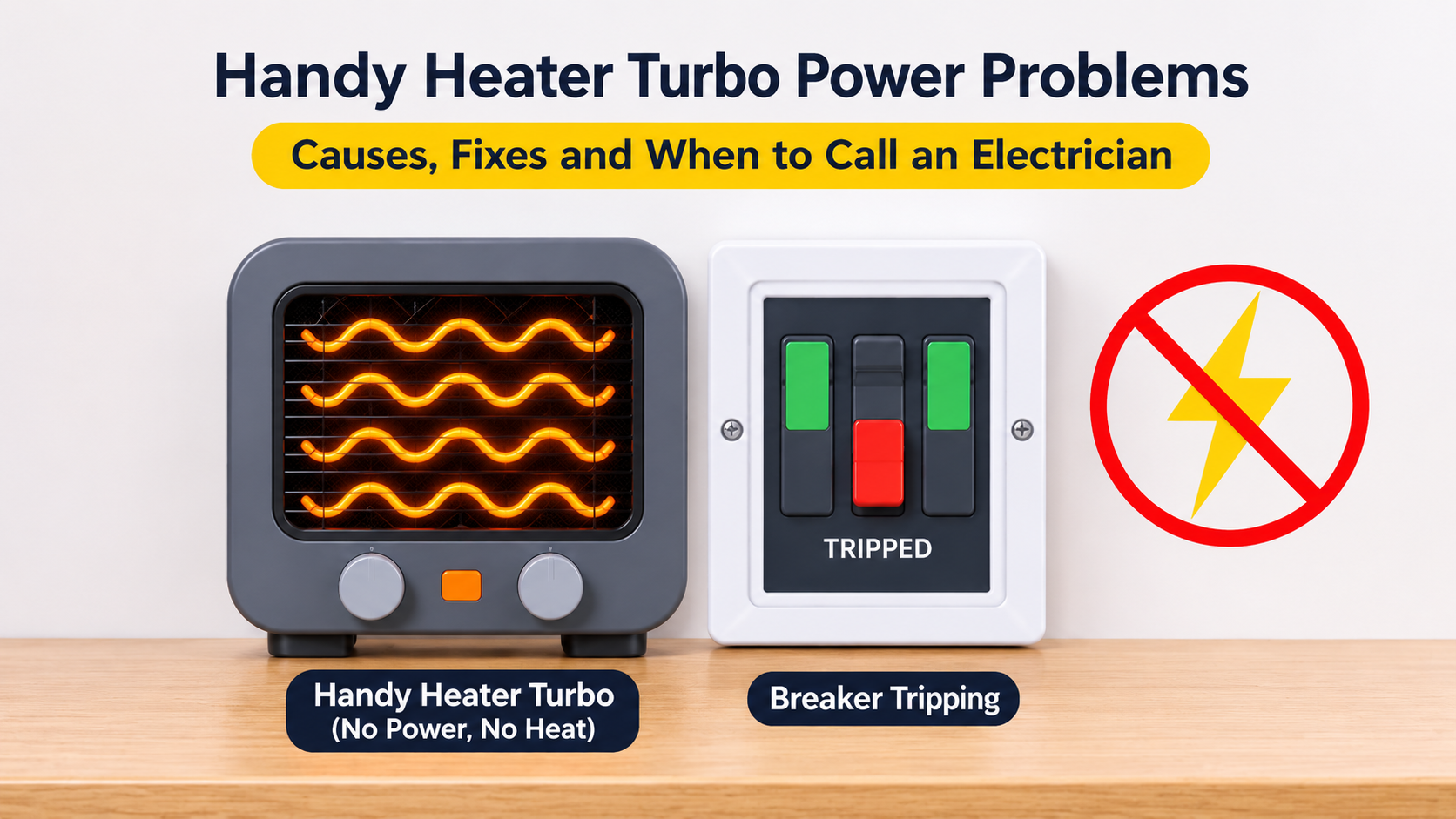
This is the most common cause. Plug a lamp, phone charger or other small device into the same outlet. If it does not work, the problem is the outlet, not the heater.
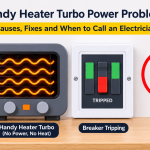
- Check the circuit breaker or fuse box: A tripped breaker is easy to miss. Reset it if it has tripped.
- Look for test and reset buttons: Some outlets, especially in bathrooms, kitchens, garages and basements, have a built-in ground-fault protection button. Press reset if it has popped out.
- Try another outlet: If the heater works in a different outlet, the first outlet may be faulty.
- Check for a wall switch: In some rooms, outlets are controlled by a wall switch.
If the breaker trips again right after you plug the heater in, do not keep resetting it. Stop using the heater and the outlet and get both checked.
Step 2: Check the Plug Connection
A plug-in heater hangs from the outlet and relies entirely on a tight fit. A worn outlet or slightly bent prongs can cause a weak or intermittent connection.
- Unplug the heater and look at the prongs. They should be straight, clean and free of burn marks or discolouration.
- Check the outlet face for cracks, loose contacts or scorch marks.
- Plug the heater in firmly and make sure it sits flush against the wall.
- If the heater feels loose, hangs at an angle or the outlet grips weakly, try a different outlet or have the outlet replaced by a qualified electrician.
Warning: If the plug or outlet is hot, discoloured or smells like burning, stop using the heater immediately and have the outlet inspected.
Step 3: Plug Directly Into the Wall
Wall-outlet heaters are designed to plug directly into a wall socket. Extension cords, power strips and adapters can cut off power, overheat or trip protection. If you are using one, remove it and plug the heater straight into the wall.
Step 4: Check the Power Button, Display and Controls
Many compact heaters use a touch panel or a button that must be pressed in a specific way. Check these points:
- Press the power button firmly. Some models require pressing and holding for a second or two.
- Check whether the display shows a standby, lock or off symbol.
- If your heater has a control lock or child lock, turn it off following the manual.
- Make sure the touch panel is clean and dry. Moisture, dust or grease on a touch panel can stop it from responding.
- If the heater has a mode selector or a manual and auto setting, try a different mode.
Step 5: Raise the Thermostat Setting
If the display or lights come on but the heater does not blow warm air, the thermostat may be set lower than the current room temperature. The heater thinks the room is already warm enough and does not heat. Increase the temperature setting well above the current room temperature and wait a minute or two.
Step 6: Check the Timer and Auto Shut-Off
Some versions include a timer. If a timer was set earlier and has finished, the heater will not run until you restart it. Cancel or reset the timer, then try the power button again.
Step 7: Look for Overheat Protection or Auto Shut-Off
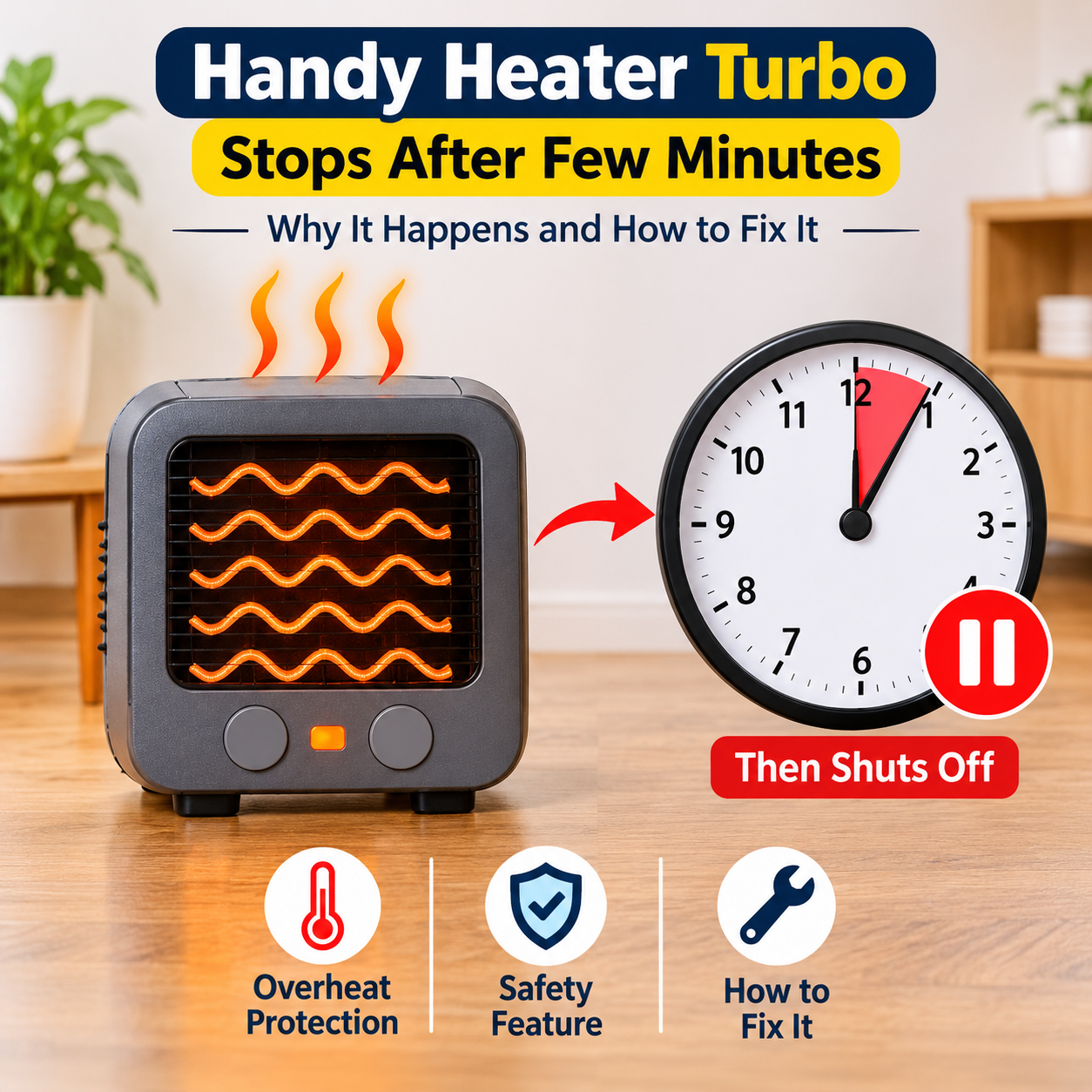
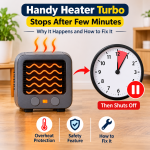
The heater has safety protection that switches it off if it becomes too hot, which is a good thing. It can be triggered by blocked vents, heavy dust, a very hot room or a faulty thermostat sensor.
- Unplug the heater.
- Let it cool for at least 15 to 30 minutes.
- Check that the vents are not blocked by curtains, furniture, clothing or dust.
- Plug the heater into the wall again and try to start it.
If the heater keeps shutting off after a short time, stop using it and contact the seller or manufacturer. A recurring shut-off means something is wrong.
Step 8: Clean the Vents
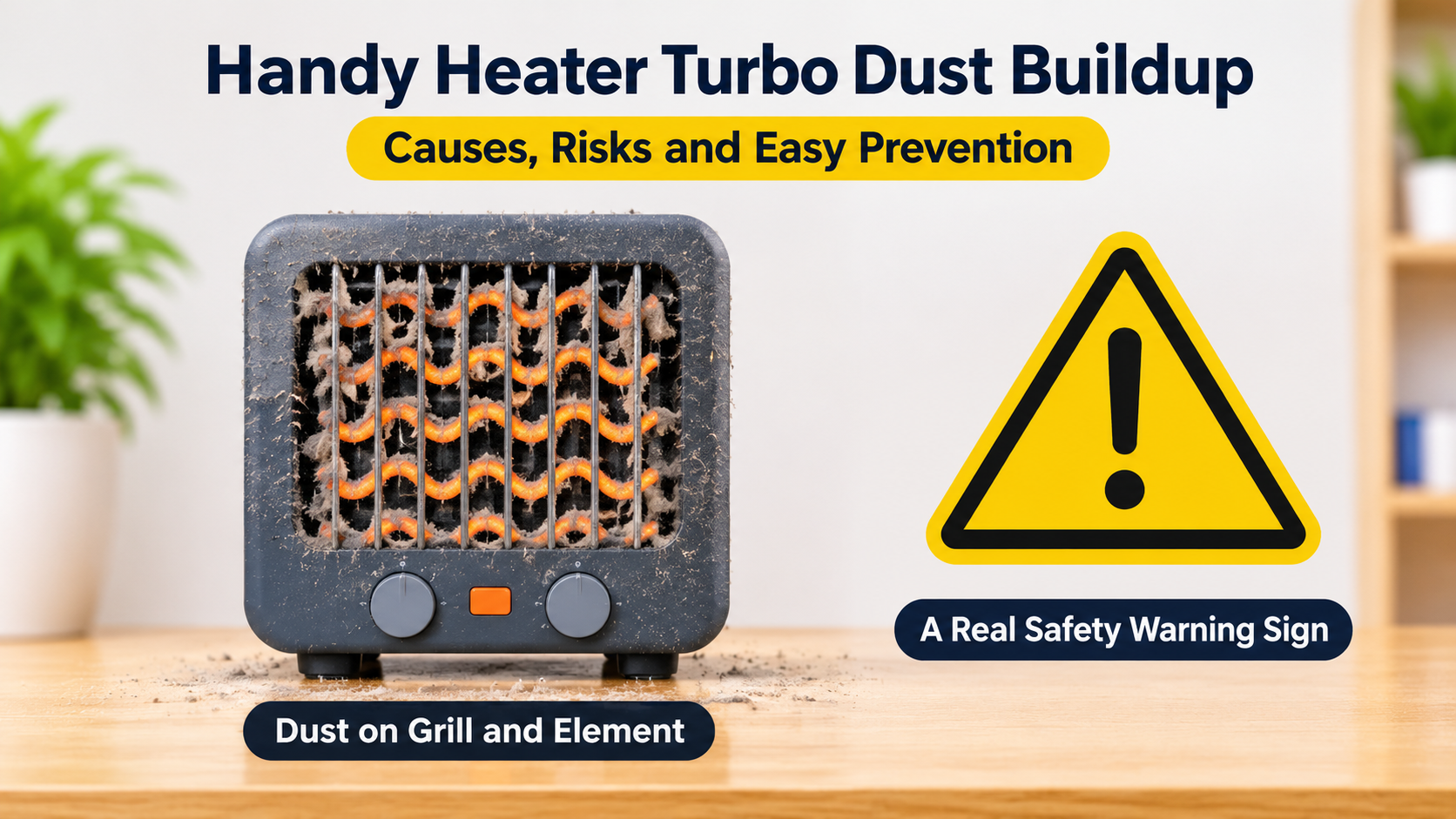
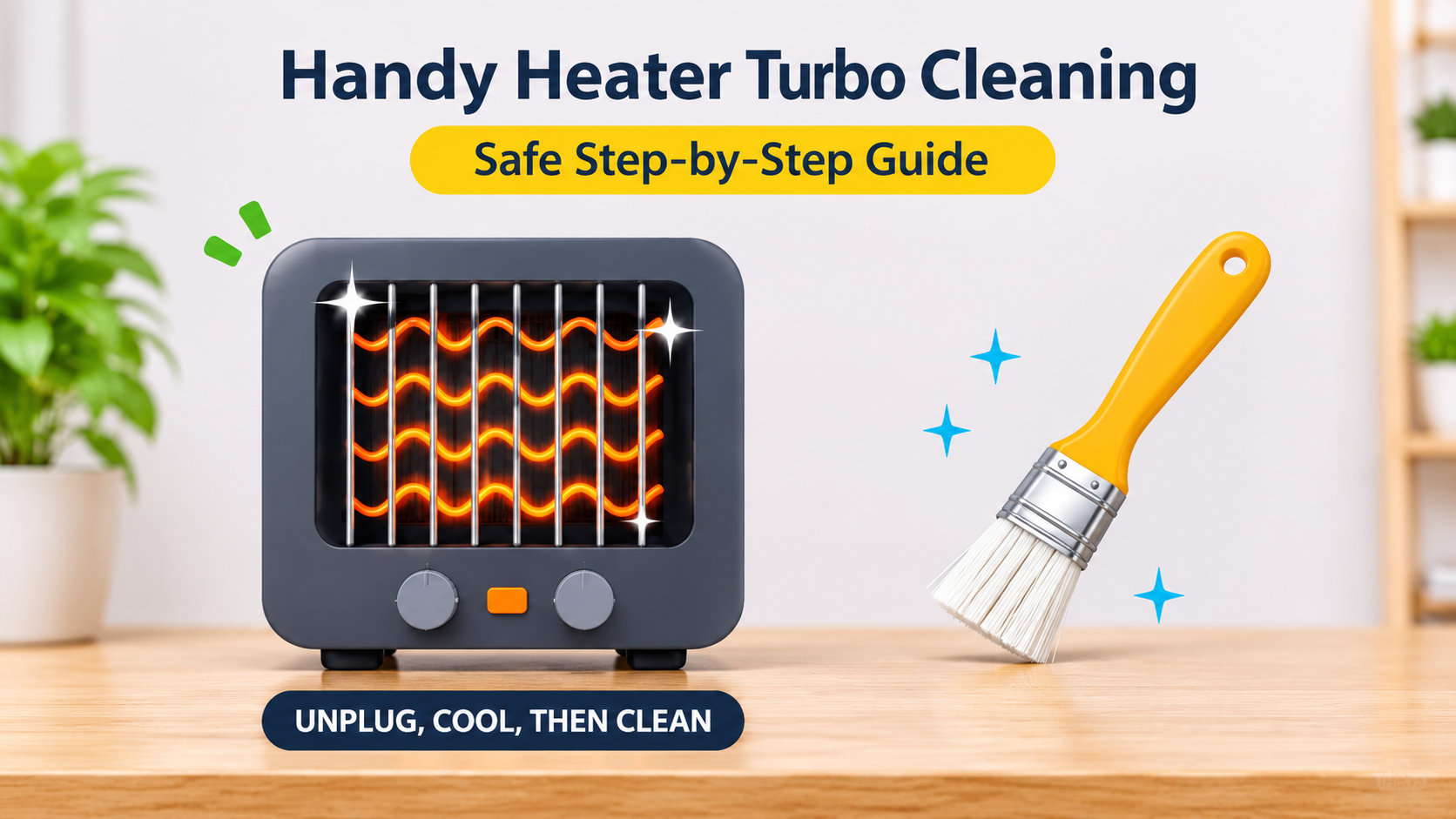
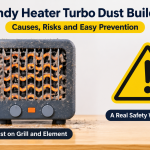
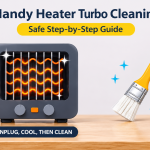
Dust and lint reduce airflow and can trigger overheating protection. With the heater unplugged and cool, gently vacuum the vents with a soft brush attachment or wipe the outside with a dry, soft cloth. Never use water, spray cleaners or sharp tools inside the vents.
Step 9: Do a Soft Reset
Electronic controls sometimes freeze, just like any device. To reset:
- Unplug the heater from the wall.
- Wait 10 to 15 minutes so that any residual charge drains and the protection resets.
- Plug it back in directly to a working wall outlet.
- Press the power button and set the thermostat to a high temperature.
Step 10: Consider an Internal Fault
If you have tried all of the steps above and the heater is still dead, the cause may be an internal fault, such as a failed circuit board, a damaged heating element or a blown thermal fuse. These parts cannot be safely repaired at home. Stop using the heater and contact the seller or manufacturer about a warranty claim, repair or replacement.
What If the Heater Turns On but Does Not Heat?
- Thermostat set too low: Increase the temperature.
- Heat setting too low: Check for low and high settings.
- Heater in fan-only mode: Some models have a cool or fan-only setting.
- Blocked vents: Remove anything covering the heater and clear dust.
- Weak power supply: A loose outlet or a shared circuit can reduce power.
- Expectations: An 800-watt heater suits small rooms. In a large or very cold room, you may feel little change.
- Faulty heating element: If the fan runs but the air never warms after several minutes, the element may have failed. Contact the seller.
What If the Heater Clicks, Flickers or Turns On and Off?
- Thermostat cycling: A heater that clicks off when the room is warm is behaving normally.
- Loose connection: Flickering lights or an intermittent display may come from a loose plug or worn outlet.
- Overheating: Repeated shut-offs after a few minutes point to blocked vents or a protection fault.
- Power supply issues: Voltage dips on an overloaded circuit can cause erratic behaviour. Unplug other high-power appliances.
Is a Wall-Outlet Heater Safe to Keep Using?
Plug-in heaters like this one use a modest power level, but they still produce heat and draw a steady current. Here are some good habits:
- Plug directly into a wall outlet, never into extension cords or power strips.
- Keep at least three feet (about one metre) of clear space in front of the heater, away from curtains, furniture and bedding.
- Do not cover the heater or block the vents.
- Do not leave it running unattended, and do not use it while you sleep unless the maker explicitly allows it.
- Keep children and pets away from it.
- Check the plug and outlet regularly for heat or damage.
- Replace any heater that has a cracked case, a damaged plug or a burning smell.
How to Avoid Problems in the Future
- Use a good outlet: A firm, undamaged outlet keeps the connection stable.
- Clean the vents monthly: Do it while unplugged and cool.
- Avoid frequent plugging and unplugging by pulling the cord or the body awkwardly: Hold the heater body and pull straight out.
- Store it properly: Keep it in a clean, dry place in summer.
- Do not use it in damp or dusty rooms unless it is rated for them.
- Keep the manual and receipt: They help with warranty claims.
- Buy from reputable sellers: Look for genuine products with clear safety certification. Look-alike products with missing safety marks may lack proper protection.
When to Contact the Seller or Manufacturer
Contact support if:
- The heater is new and was dead on arrival.
- You have tried all the checks and the heater still does not turn on.
- The heater turns on but never produces heat.
- The heater shuts off repeatedly or trips the breaker.
- You see physical damage, smell burning or notice a hot plug.
Have your proof of purchase, the model details and a short description of the problem ready. Check the warranty period and the return policy. Do not try to open or repair the heater.
When to Replace Your Heater
- The heater is out of warranty and has failed after all troubleshooting steps.
- The plug, case or cord shows heat damage.
- The cost of repair is close to the cost of a new heater.
- The heater keeps cutting out on its own.
- You need a heater with more power or features, since an 800-watt plug-in heater is made for small spaces.
Common Mistakes People Make
- Assuming the heater is broken without testing the outlet.
- Plugging the heater into an extension cord or power strip.
- Ignoring a warm plug or a loose outlet.
- Setting the thermostat lower than the room temperature and expecting heat.
- Opening the heater to try to fix it.
- Repeatedly resetting a tripped breaker.
- Continuing to use a heater that smells of burning.
Frequently Asked Questions (FAQ)
Why is my Handy Heater Turbo not turning on at all?
The most common reasons are a dead outlet, a loose plug connection, a timer or lock setting or a safety shut-off. Test the outlet with another device, replug firmly and cancel any timer or lock.
Why does the display light up but the heater is not heating?
The thermostat is probably set below the room temperature, or the heater is in a low or fan-only mode. Raise the temperature setting and wait a minute or two.
How do I reset my Handy Heater Turbo?
Unplug it, wait 10 to 15 minutes, plug it directly into a working wall outlet and press the power button. Check the manual for any model-specific reset steps.
Can I use the heater with an extension cord?
No. Plug-in wall-outlet heaters are designed to go directly into the wall. Extension cords and power strips can overheat or cut power.
Why does my heater turn off by itself?
It may be the thermostat cycling off because the room is warm, a timer ending or overheat protection triggering. If it shuts off often in a cool room, check for blocked vents and contact the seller if the problem continues.
Is it normal for the plug to feel warm?
A slight warmth can occur under load, but a plug or outlet that feels hot, discoloured or smells of burning is not normal. Stop using the heater and have the outlet inspected.
The heater has a burning smell. What should I do?
Unplug it if it is safe, move it away from flammable items and stop using it. A brief dust smell when first used can be normal, but a strong or lasting burning smell is a warning sign.
Can I repair the heater myself?
No. Internal parts carry mains electricity and repairing them is unsafe. Contact the seller or manufacturer for support.
Final Thoughts
When your Handy Heater Turbo is not turning on, start with the easiest checks: test the outlet, make sure the plug is firm and plugged directly into the wall, check the power button, thermostat and timer, then let the heater cool and reset it. Most problems are solved in a few minutes with these steps.
If the heater stays dead, shuts off repeatedly or shows any sign of heat damage, stop using it and contact the seller or manufacturer. Your safety is more important than saving a small heater. A properly working, correctly used heater will keep your room warm without any worry.