
Handy Heater Turbo Temperature Settings: The Complete Guide to Getting It Right
The Handy Heater Turbo is a compact plug-in heater, and its thermostat and timer look simple at first glance. In practice, though, many owners are unsure what temperature to choose, how the timer works, why the display shows Celsius instead of Fahrenheit, or why the heater seems to switch itself on and off. If you are searching for the best Handy Heater Turbo temperature settings, this guide covers everything in plain language: the setting range, how to set the temperature and timer, recommended temperatures for different rooms, energy-saving tips and fixes for common problems.
Quick Summary
- Temperature range: 60°F to 90°F (about 18°C to 32°C), adjusted with the plus (+) and minus (−) buttons.
- Timer: up to 12 hours, after which the heater turns itself off.
- Power: 800 watts, with a ceramic heating element and a thermostat that cycles the heater on and off.
- Good starting point: 68–72°F (20–22°C) for a small room or desk area.
- Key rule: set the temperature above the current room temperature, or the heater will not switch on.
What Is the Temperature Range of the Handy Heater Turbo?
According to the instruction manual and retailer listings for the Handy Heater Turbo 800, you can set the thermostat anywhere between 60°F and 90°F. Retailers selling the Celsius version list the range as 18°C to 32°C. The display shows the temperature you choose, and the heater then switches on and off automatically to keep the room near that number.
Because this is a small 800-watt heater, the temperature you set is a target, not a promise. In a small, well-closed room, the heater can reach and hold that target. In a large or drafty room, it may never get there, no matter how high you set the dial.

How to Set the Temperature Step by Step
- Plug the heater in firmly. Push it fully into a wall outlet in good condition. Do not use an extension cord or a power strip.
- Turn it on with the power button. The display lights up.
- Use the plus (+) and minus (−) buttons to choose your target temperature between 60°F and 90°F.
- Wait a minute or two. If your set temperature is higher than the room temperature, warm air should begin to flow.
- Adjust in small steps. Change the setting by a few degrees at a time instead of jumping straight to the maximum.
Some manuals note that you may need to set your temperature and timer again after a power outage or interruption, so check the display if the heater has been unplugged or the power has gone out.
Best Temperature Settings for Different Rooms
There is no single perfect setting, because the right number depends on the room, your clothing and personal comfort. The following are general guidelines for a small plug-in heater. Always follow your manual and local safety guidance.

Home Office or Desk Area: 68–72°F (20–22°C)
For sitting at a desk, a moderate setting is usually enough. The heater warms the air around your legs and feet, so you rarely need to go above 72°F. Keep the heater at a safe distance from papers, cables and chairs.
Bedroom: 65–68°F (18–20°C)
Many people sleep better in a slightly cool room. If you use the heater to take the chill off before bed, a lower setting with the timer is a sensible approach. As a safety rule, avoid leaving any space heater running while you sleep or when nobody is in the room.
Bathroom or Small Utility Space: 72–75°F (22–24°C)
A slightly higher setting can make short bathroom sessions more comfortable. Keep the heater well away from water, showers, sinks and wet surfaces, and only use it in a location that is suitable according to the manual.
Guest Room or Hobby Space: 66–70°F (19–21°C)
For rooms you use only occasionally, start low. You can always raise the setting by a couple of degrees if you still feel cold.
Fahrenheit to Celsius Conversion Chart
Some Handy Heater Turbo units show temperatures in Celsius only, and a number of buyer reviews mention confusion about switching to Fahrenheit. If your display is in Celsius, use this chart to find the equivalent of the Fahrenheit numbers you are used to. If you want to change the display unit, check the manual for your specific version, as the method can differ between models.

To convert a Fahrenheit temperature to Celsius yourself, subtract 32 and multiply by 5/9. For example, 70°F minus 32 is 38, and 38 times 5/9 is about 21.1°C.
How the Thermostat Works (and Why the Heater Turns Off)
Many first-time owners think the heater is faulty when it clicks off. In most cases, this is normal. The thermostat senses the air around the heater. When the room is colder than your set temperature, the heating element turns on. When the room reaches the set temperature, it turns off. Then, as the room cools slightly, it turns on again. This cycle keeps the temperature stable and avoids wasting electricity.

Because the sensor sits inside the heater, it reads the air right next to the unit, which can be warmer than the rest of the room. That is why you might feel cool on the far side of the room even though the display says the target has been reached. Raising the setting by two to four degrees often solves this.
How to Use the Timer
The Handy Heater Turbo includes a programmable timer of up to 12 hours. According to the manual, you press the timer button, then use the plus and minus buttons to choose the run time, and the heater switches itself off when that time is over.
Smart Ways to Use the Timer
- Pre-warming a room: run the heater for an hour before you get home or sit down to work.
- Short bathroom sessions: choose a short time so the heater is not left running by mistake.
- Bedtime comfort: use a short timer to take the chill off, rather than leaving the heater on all night.
- Preventing forgetfulness: set a timer every time, so the heater never runs all day unattended.
If you use the remote control that comes with some versions of the heater, you can usually switch it on and off, change the temperature and set the timer from across the room. Check whether your package includes one.
How Much Does It Cost to Run?
An 800-watt heater uses 0.8 kilowatt-hours of electricity for each hour it runs at full power. For example, if your electricity costs 15 cents per kilowatt-hour, running the heater continuously for one hour costs about 12 cents. Eight hours at full power would cost roughly one dollar. Your real cost will usually be lower, because the thermostat switches the heater off once the room reaches the set temperature. Electricity prices vary, so use your own rate to calculate an exact figure.
Tips to Lower Your Heating Costs
- Choose the lowest temperature that keeps you comfortable. Each extra degree costs more energy.
- Close doors and windows, and block drafts, so heat stays in the room.
- Use the heater only in the room you are using, not for an entire home.
- Wear a sweater or use a blanket instead of raising the thermostat.
- Use the timer so the heater does not run when you do not need it.
Common Temperature Setting Problems and Fixes
| Problem | Likely Cause | Solution |
|---|---|---|
| Heater will not produce heat | Set temperature is below the room temperature | Raise the set temperature by 5–10°F |
| Display shows Celsius | Unit set to or sold with Celsius display | Check the manual, or use the conversion chart |
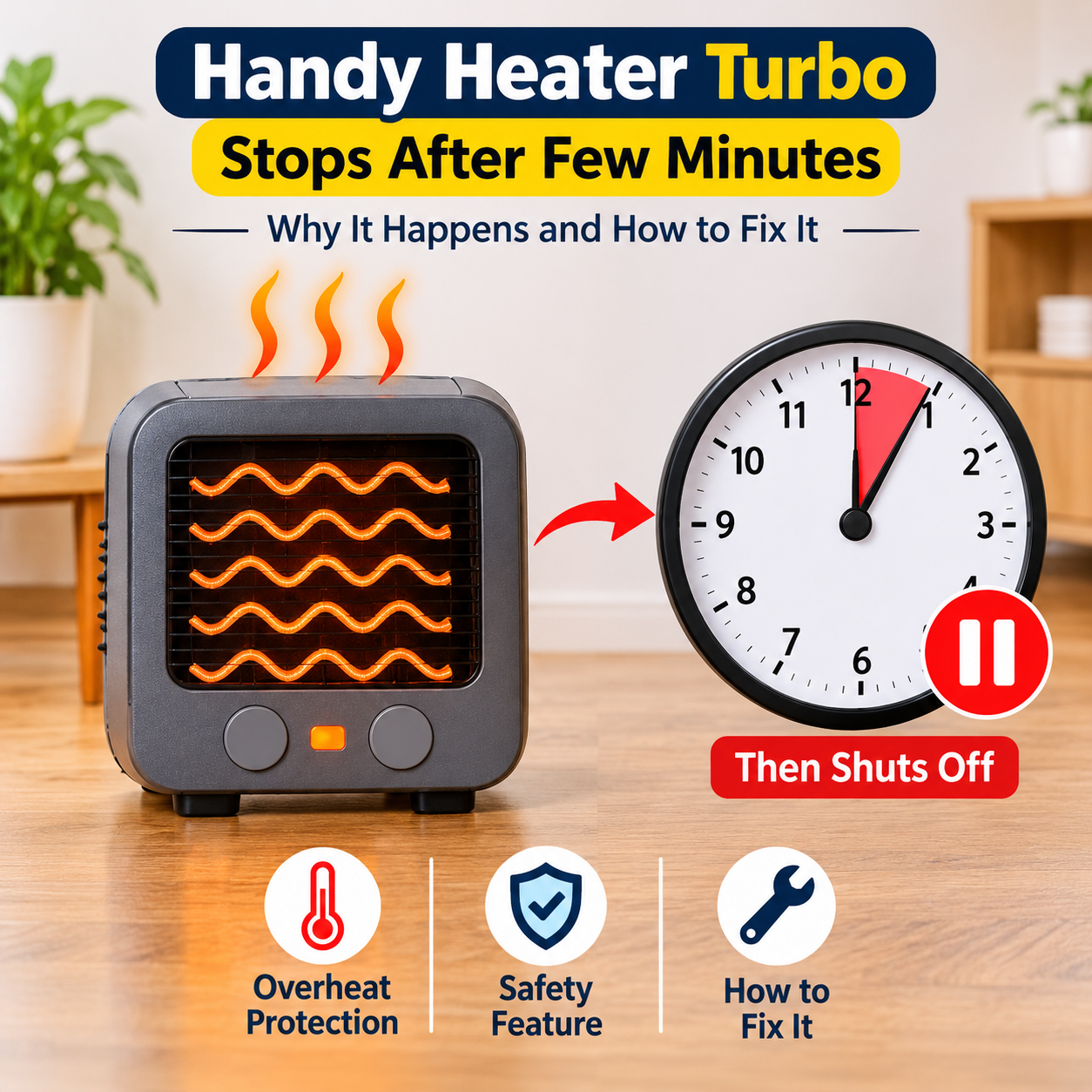
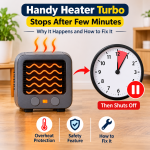
| Heater shuts off after a short time | Room reached the set temperature, timer ended, or vents are dusty | Raise the setting, check the timer, clean the vents |
| Settings reset on their own | Power interruption or unplugging | Set the temperature and timer again |
| Room still feels cold | Room is too large or drafty for 800 watts | Use in a smaller space, close doors, block drafts |
| Heater runs constantly | Target is too high for the room to reach | Lower the setting to a realistic level |
Safety Tips When Choosing Your Settings
- Do not use the maximum setting all day. Higher settings keep the heater working harder and for longer.
- Never leave the heater unattended for long periods, and avoid running it while you sleep.
- Plug it directly into a healthy outlet. Do not use extension cords or power strips with a heater.
- Keep the area clear. Maintain space around the heater, away from curtains, bedding, paper and furniture.
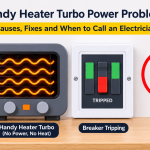
- Check the plug and outlet. If the heater wobbles, the plug feels very hot, or you notice a burning smell, unplug it and stop using it.
- Keep it dry. Never use the heater near water, and never touch it with wet hands.
Wall-outlet heaters place their full weight and electrical load on a single socket. Consumer testing organizations have raised safety concerns about this style of heater in some markets, and in certain countries heaters with built-in plug pins are not permitted. Make sure the heater is approved for your region and compatible with your outlets before you use it.
Is the Handy Heater Turbo Right for You?
This is a small personal heater designed for compact spaces such as a desk area, a small bedroom or a bathroom. It is not a whole-room or whole-home heating solution. Customer feedback on this type of low-cost heater is mixed, with some people pleased with its size and convenience, and others reporting weak heat or reliability problems. If you need to heat a large room, consider a heater with a higher wattage, a power cord and a stable base. If you only need to warm a small area, a plug-in heater can be handy, as long as you use it carefully and with realistic expectations.
Frequently Asked Questions
What is the best temperature setting for the Handy Heater Turbo?
For most small rooms, a setting between 68°F and 72°F (20–22°C) is comfortable and energy efficient. Go a little lower for sleeping areas and a little higher for short bathroom use.
What is the maximum temperature it can be set to?
The listed maximum is 90°F (about 32°C). This is a thermostat target, not a guarantee that the room will reach that temperature.
Why is my Handy Heater Turbo not heating when I set the temperature?
The most common cause is a set temperature that is lower than, or equal to, the current room temperature. Raise it by several degrees. If it still does not heat, try a different outlet and do a power reset by unplugging it for about 10 minutes.
Why does my heater show Celsius instead of Fahrenheit?
Some versions are sold with a Celsius display, and some buyers report that switching units is not clearly explained. Check the manual for your specific model, and use the conversion chart in this guide in the meantime.
Can I leave the Handy Heater Turbo on all night?
It is safer not to. Safety guidance for space heaters generally advises against leaving them running unattended or while you sleep. Use the timer for short periods and unplug the heater when you are done.
How long can the timer be set for?
Up to 12 hours. The heater turns itself off when the time ends.
Does the thermostat cycle on and off by itself?
Yes. This is normal. The heater turns off when the room reaches the set temperature and turns on again when the room cools down.
Final Thoughts
Getting the most from your Handy Heater Turbo comes down to a few simple habits: set the temperature a few degrees above the current room temperature, start with 68–72°F, use the timer every time, keep the heater in a small, draft-free space and give it plenty of clearance. If the display shows Celsius, use the conversion chart. And if you ever notice a loose plug, a burning smell or an unusually hot outlet, stop using the heater immediately. With realistic expectations and careful use, you can keep a small space comfortable without overheating your room or your electricity bill.