Handy Heater Turbo Thermostat Not Working? 9 Easy Fixes That Actually Help
You plug in your Handy Heater Turbo, press the power button, set the temperature, and… nothing happens. Or maybe it heats for a few minutes and shuts off, or the display shows a temperature that makes no sense. If your Handy Heater Turbo thermostat is not working, you are not alone. Compact wall-outlet heaters like this one are popular for bedrooms, bathrooms and home offices, and thermostat complaints are one of the most common issues owners report.
The good news is that many “thermostat problems” turn out to be simple settings, power or airflow issues you can sort out in a few minutes, without any tools. In this guide, we walk through the likely causes, the step-by-step fixes, the warning signs that mean you should stop using the heater, and what to do if it is time for a replacement.
Quick Answer: Why Is the Thermostat Not Working?
In most cases, the problem is one of these:
- The set temperature is lower than (or too close to) the current room temperature, so the heater never switches on.
- The outlet is not delivering stable power, or the heater is not seated firmly in the socket.
- Dust is blocking the vents, causing the overheat protection to cut the heater off early.
- The control board needs a simple power reset.
- The heater is placed where the built-in sensor reads the temperature incorrectly.
- The unit has a genuine fault (worn sensor, damaged control board or heating element), which usually means replacement or a warranty claim.
How the Handy Heater Turbo Thermostat Works
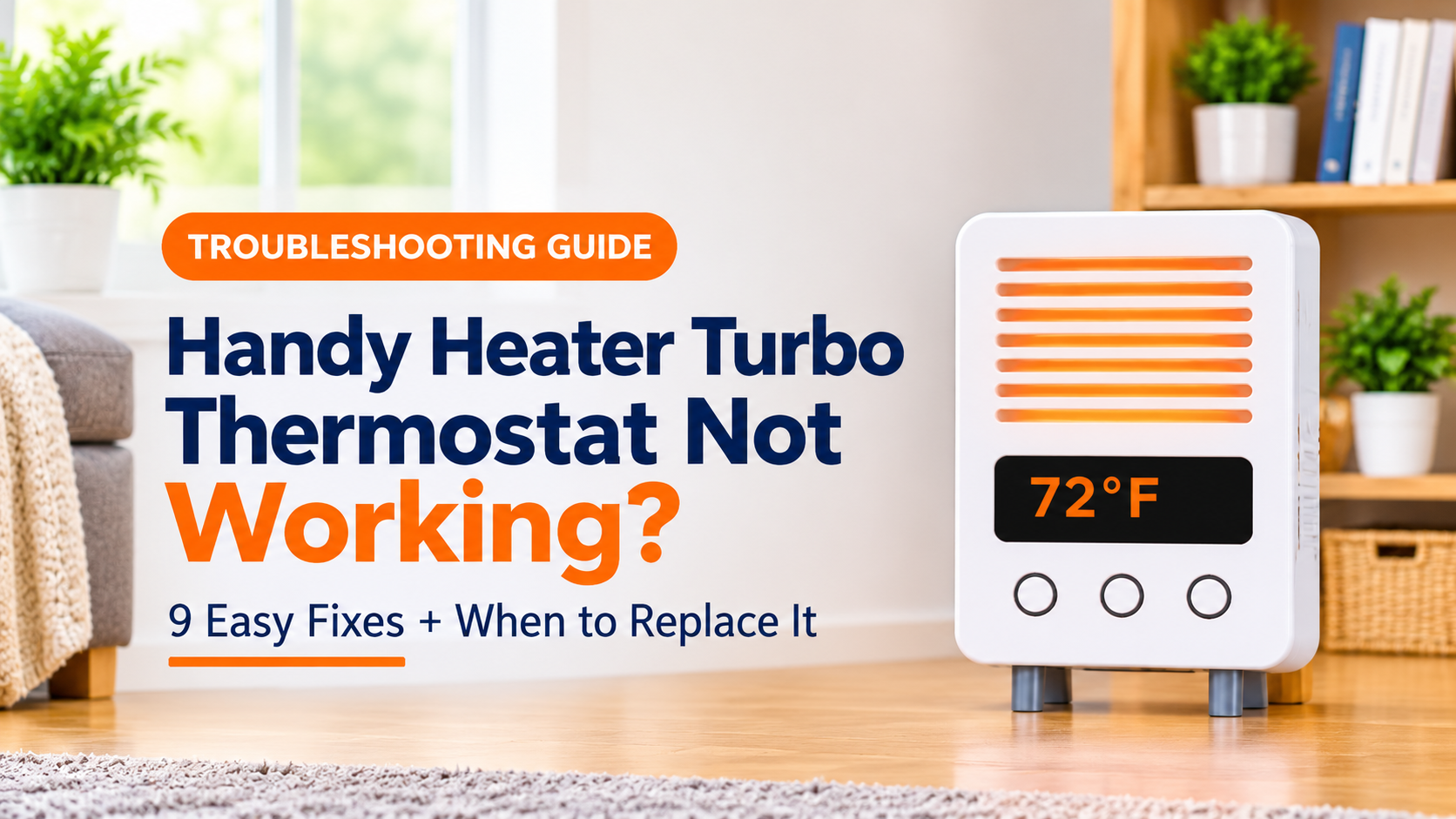
The Handy Heater Turbo (commonly sold as the Turbo 800) is a compact 800-watt ceramic heater that plugs directly into a wall outlet. Retail listings describe it as having a digital display, an adjustable thermostat, a programmable timer of up to 12 hours and an automatic shut-off feature. Listed thermostat ranges are around 60–90°F (roughly 18–32°C), though you should always confirm the exact range in the manual that came with your unit.
Like most thermostat-controlled heaters, it measures the air temperature near the unit. When the room is colder than your set temperature, the heating element switches on. When the room reaches your set temperature, the heater switches off, then turns on again when the temperature drops. Understanding this on/off cycle is the key to separating normal behavior from a real fault.

9 Fixes for a Handy Heater Turbo Thermostat That Is Not Working
1. Check That the Set Temperature Is Higher Than the Room Temperature
This is the most common reason a heater appears “broken.” If the room is 72°F and you set the thermostat to 68°F, the heater will correctly stay off. Raise the set temperature at least 5–10°F above the current room temperature and wait a minute or two. If warm air starts to flow, your thermostat is working normally.

2. Make Sure the Heater Is Firmly Plugged In
Because this type of heater has no power cord, its weight rests on the outlet. If the outlet is worn or loose, the plug can sag, lose contact and cause the display to flicker or the heater to cut out. Push the heater fully into the socket and check that it sits straight and does not wobble. If it will not stay firmly seated, do not keep using it in that outlet. Try a different outlet in good condition.
3. Test a Different Wall Outlet
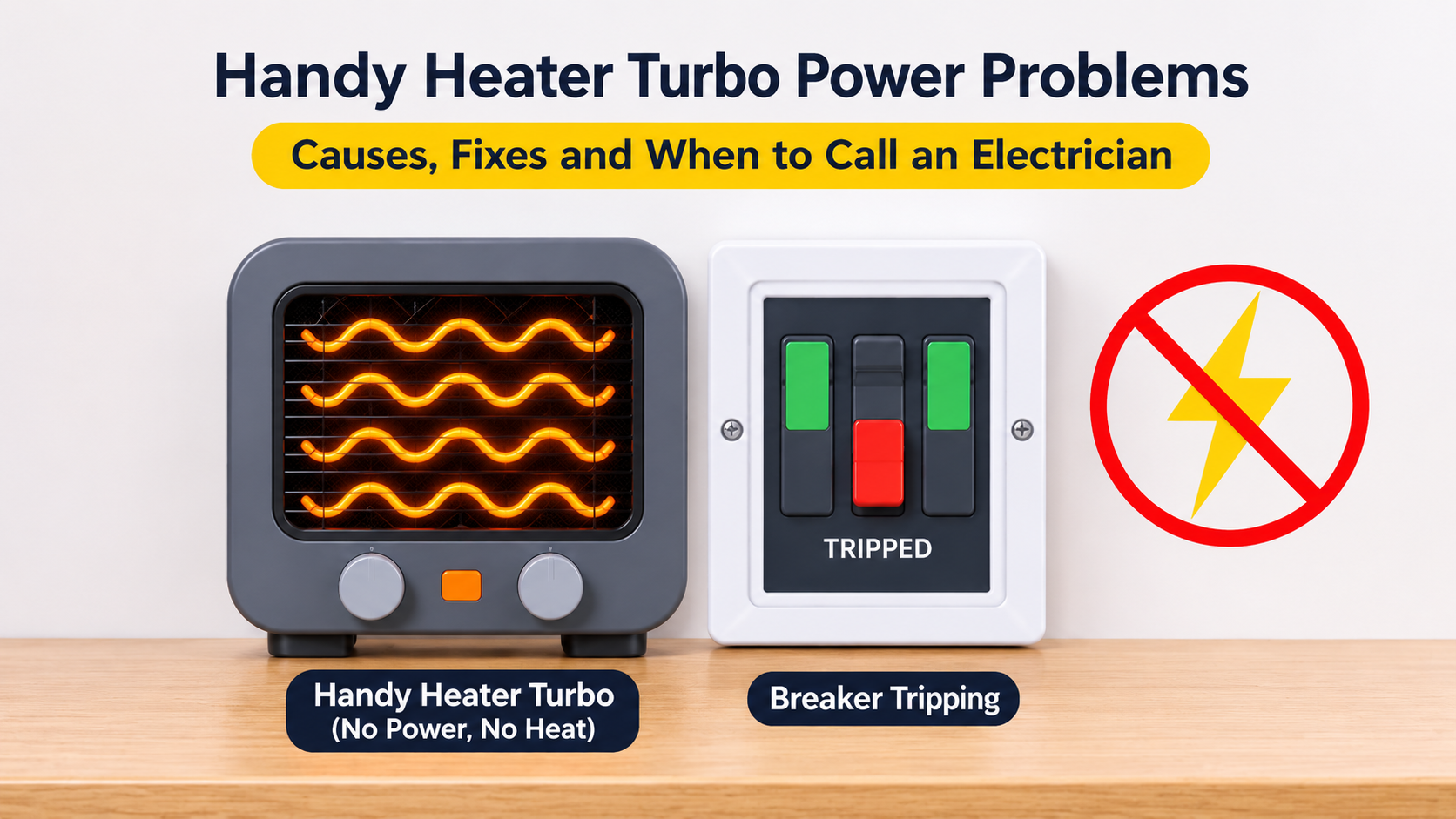
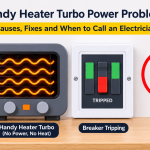
Plug the heater into another outlet on a different circuit if possible. Avoid extension cords and power strips, as heaters draw a lot of power and these can overheat. If the heater works normally in another outlet, the original socket or circuit is the problem, not the thermostat. Also check whether a circuit breaker has tripped.
4. Do a Full Power Reset
Electronic controls can occasionally freeze or behave oddly after a power surge or long use. To reset the heater:
- Turn the heater off and unplug it.
- Leave it unplugged for about 10 minutes so it can fully cool down.
- Plug it back in and turn it on.
- Set the temperature and timer again from scratch.
If the display and buttons respond normally afterward, the issue was a temporary control glitch.
5. Clean the Vents and Remove Dust
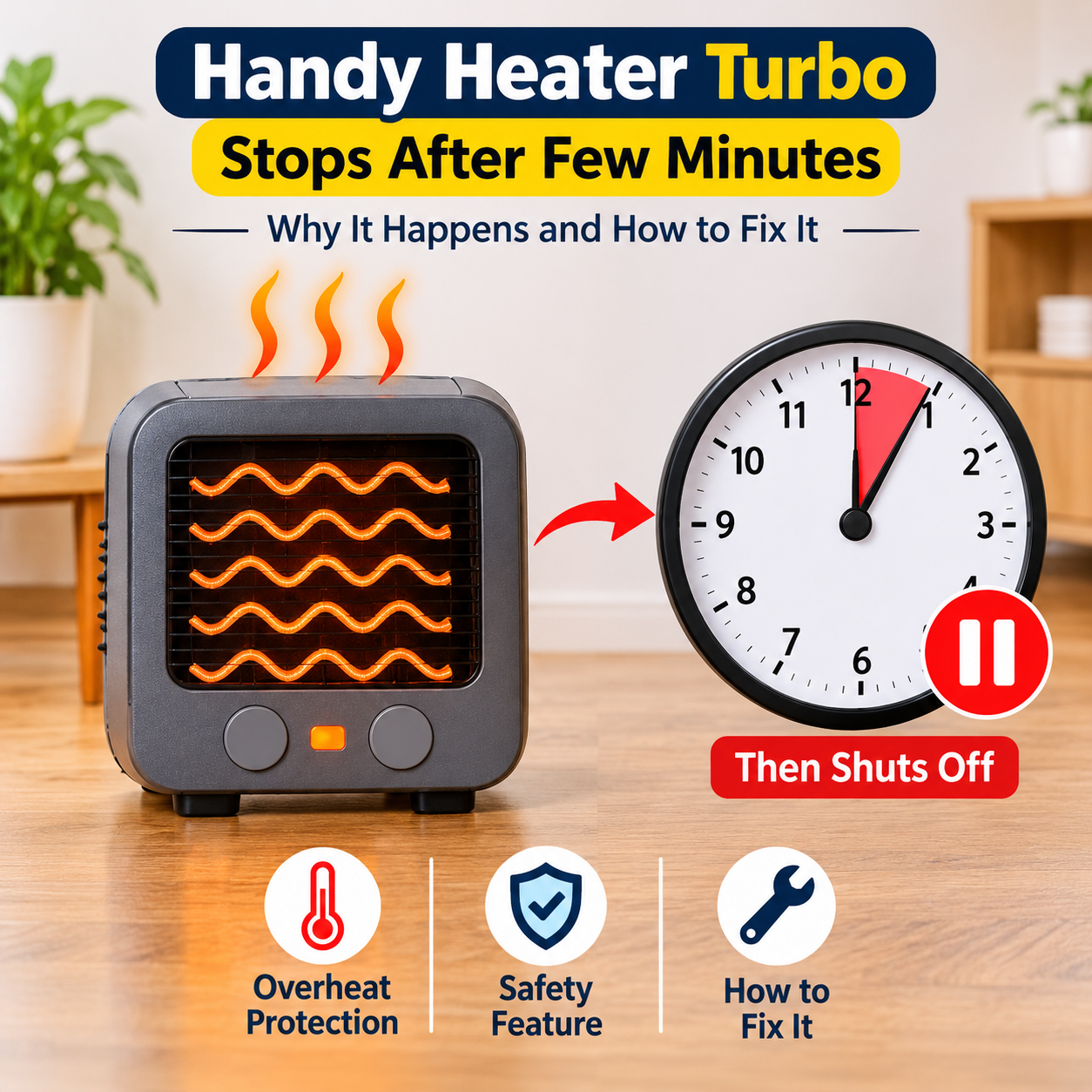
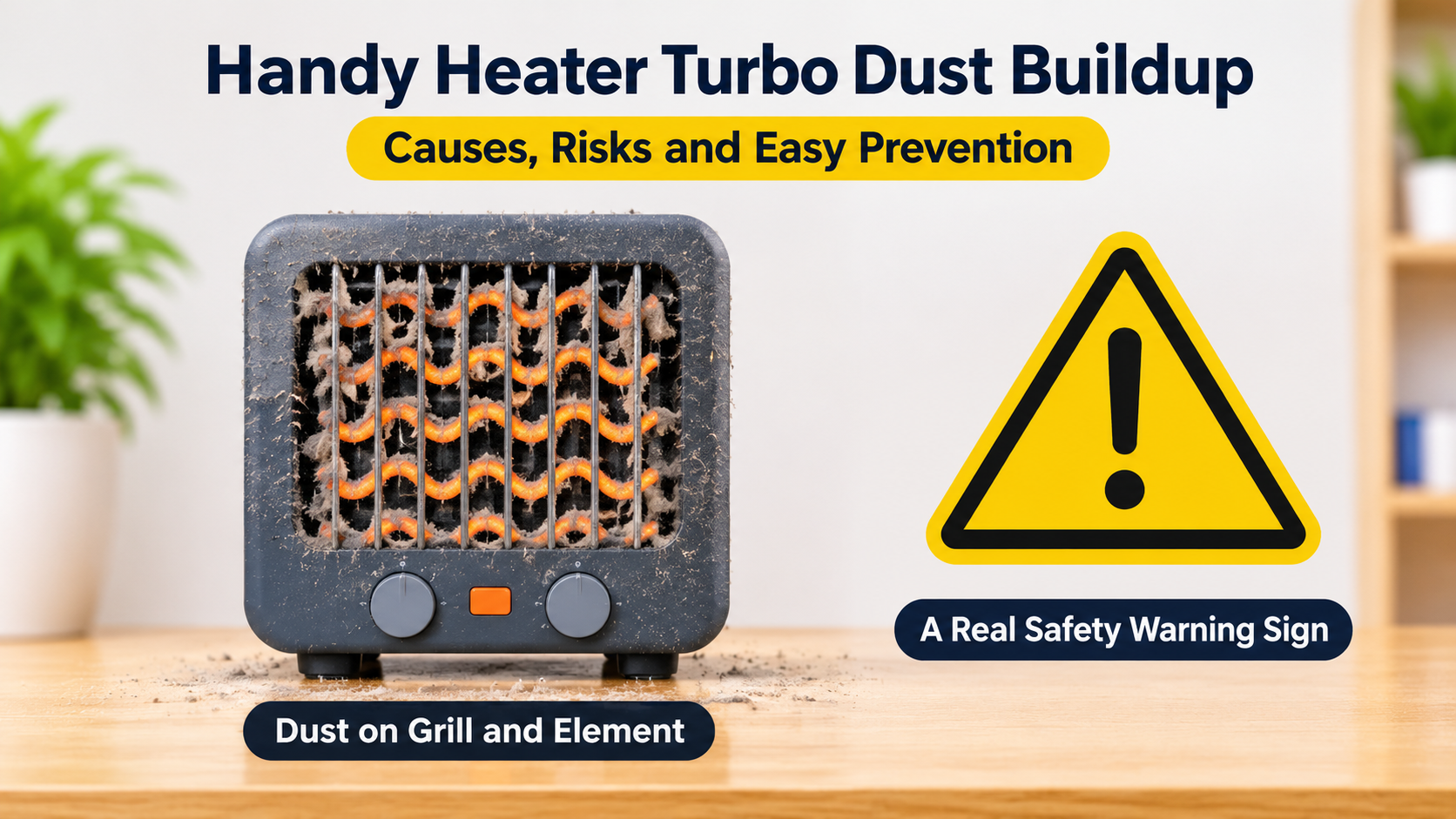
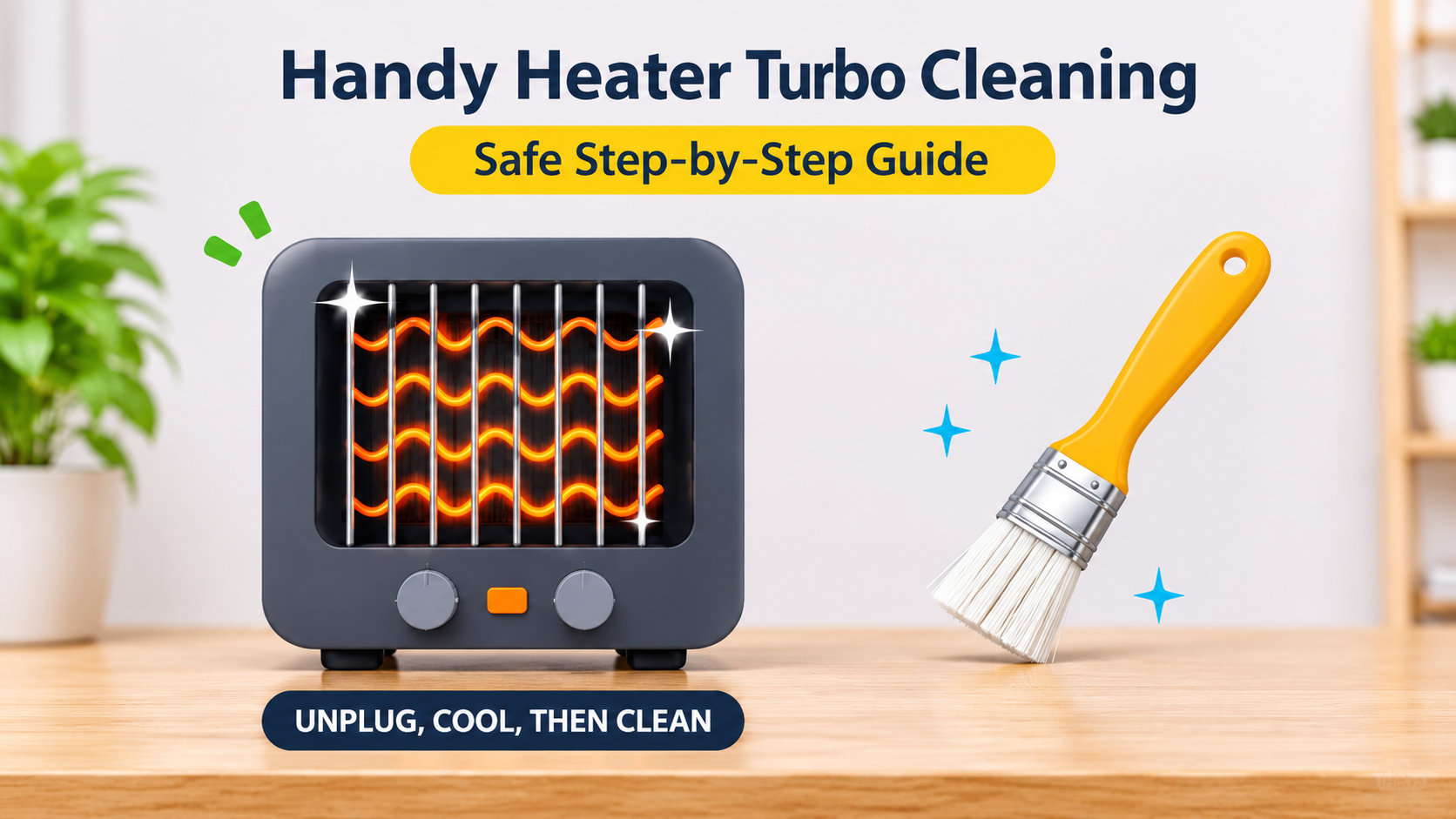
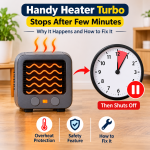
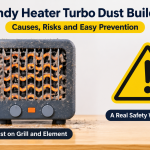
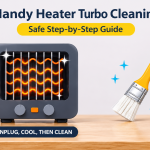
Dust and lint blocking the air intake and vents are a leading cause of overheating. When airflow is restricted, the internal overheat protection can shut the heater off after only a few minutes, which many owners mistake for a thermostat failure. With the heater unplugged and completely cool, gently clean the vents using a soft brush or a vacuum with a brush attachment. Never use water, spray cleaners or sharp objects inside the unit.
6. Check Placement and Clearance
The thermostat reads the temperature of the air around the heater. If it sits behind a curtain, next to furniture, or under a shelf, the surrounding air heats up fast, and the heater can shut off before the room itself is warm. Keep the area around the heater clear, as the manual recommends. A heater placed in a very drafty spot, near a cold window or door, can also read temperatures that do not reflect the room.
7. Look at the Timer Settings
If the heater switches off by itself at certain times, check whether a timer has been set. The Handy Heater Turbo includes a programmable timer of up to 12 hours, and a forgotten timer is an easy thing to overlook. Cancel or reset the timer, then test the heater again.
8. Check for Display and Button Problems
If the display is dim, blank or showing unusual characters, or if the buttons do not respond, try the power reset in fix number 4. If pressing a button does nothing even after a reset, the control panel or circuit board may be faulty, which is not a repair you should attempt at home.
9. Contact the Seller About the Warranty
If none of the above works, the heater may have an internal fault such as a failed temperature sensor, control board or heating element. Some retailers list a limited warranty on this model, so check your purchase paperwork and the packaging. Contact the seller or manufacturer, and have your order number and a short description of the problem ready. Do not open the heater or attempt internal repairs. Doing so is unsafe and may void any warranty.

Common Symptoms and What They Usually Mean
| Symptom | Most Likely Cause | What to Try |
|---|---|---|
| Heater does not turn on at all | Outlet or breaker issue, loose plug | Try another outlet, check the breaker |
| Turns on but blows no heat | Set temperature too low | Raise the set temperature |
| Heats a few minutes, then shuts off | Dusty vents, overheat protection, normal cycling | Clean vents, improve clearance |
| Display blank or buttons unresponsive | Control glitch or board fault | Unplug 10 minutes, then retest |
| Shuts off at odd times | Timer set, unstable outlet | Cancel the timer, test another outlet |
| Heater runs constantly | Set temperature far above room temperature, or sensor fault | Lower the setting, and replace if it continues |
Safety Warning Signs: When to Stop Using the Heater
Heaters draw a lot of electricity, so some problems should never be ignored. Unplug the heater and stop using it immediately if you notice any of the following:

Wall-outlet heaters carry extra risk because the full weight and power load rest on one socket. Consumer testing organizations have raised safety concerns about this style of heater in some markets, and in certain countries heaters with built-in plug pins are not permitted. Always check that the heater is approved for your region and your outlet type before you use it. Never leave any heater running unattended, never cover it, and keep it away from curtains, bedding and water.
Is It Normal for the Heater to Cycle On and Off?
Yes. A thermostat-controlled heater is designed to switch off when the room reaches your set temperature and switch on again when it cools. This is normal, and it helps save energy. The cycling becomes a problem when the heater shuts off while the room is still clearly cold, takes a long time to restart, or does not restart at all.
Keep in mind that this is a small, low-wattage heater designed to warm a personal space. It will not heat a large or poorly insulated room, so the thermostat may reach its target near the heater long before the rest of the room feels warm. That is not a fault, but it is a good reminder to match the heater to the size of the space.
Should You Repair or Replace It?
For an inexpensive plug-in heater, repair is rarely worth it, and opening the casing is not safe for most people. Consider replacing the heater if:
- The thermostat stays unresponsive after trying every fix above.
- The heater shows any safety warning sign.
- The plug is loose, damaged or discolored.
- The heater is outside its warranty and keeps cutting out.
What to Look for in a Replacement Heater
- Safety certification: Look for approval marks that apply in your country, plus overheat protection and tip-over protection.
- Room size: Choose a wattage and heating type suited to your space. Small plug-in units suit very small areas only.
- Thermostat quality: A clear digital display and responsive controls make temperature management easier.
- Power cord vs. direct plug: A heater with a cord and stable base avoids loading the wall outlet.
- Warranty and support: Choose sellers with clear return and warranty terms.
- Customer reviews: Read recent reviews that mention thermostat reliability and long-term durability.
Tips to Keep Your Heater Working Longer
- Clean the vents every few weeks during the heating season.
- Always unplug the heater and let it cool before cleaning or storing it.
- Use a healthy, firm outlet and avoid extension cords.
- Do not run the heater at the maximum setting all day.
- Store it in a dry place at the end of winter, away from dust.
- Keep the original manual and purchase receipt for warranty claims.
Frequently Asked Questions
Why does my Handy Heater Turbo turn on and then off after a few minutes?
The most common reasons are that the room has reached the set temperature, the vents are blocked with dust, or the overheat protection is activating. Lower the surrounding clutter, clean the vents, and make sure the set temperature is well above the room temperature.
How do I reset my Handy Heater Turbo?
Turn it off, unplug it, wait about 10 minutes, plug it back in and set the temperature and timer again. Check your user manual for any model-specific reset instructions.
Why is the display showing the wrong temperature?
The built-in sensor measures the air right next to the heater, which can be warmer than the rest of the room. Check the heater is not in a hot spot or blocked by furniture. If the reading is still obviously wrong after a reset, the sensor may be faulty.
Can I fix the thermostat myself?
No. The thermostat and control board are inside a sealed electrical device. Opening it can be dangerous and may cancel your warranty. Stick to external checks such as the outlet, settings, vents and a power reset, and contact the seller for anything else.
Is the Handy Heater Turbo safe to leave on overnight?
Most safety guidance recommends not leaving any space heater running unattended or while you sleep. If you use the heater, use the timer, keep the area clear and never cover it. Stop using it at the first sign of overheating or a damaged plug.
How long should the heater last?
There is no guaranteed lifespan. Customer feedback on low-cost plug-in heaters varies, with some owners reporting problems after a few months. Regular cleaning, a stable outlet and sensible use help it last longer.
Final Thoughts
If your Handy Heater Turbo thermostat is not working, start with the simple checks first: raise the set temperature, secure the plug, test another outlet, reset the unit and clean the vents. These fixes solve a large share of “broken thermostat” cases. If the heater still will not behave, or you see any safety warning sign, stop using it, contact the seller about your warranty and consider replacing it with a safer, better-suited model for your room.