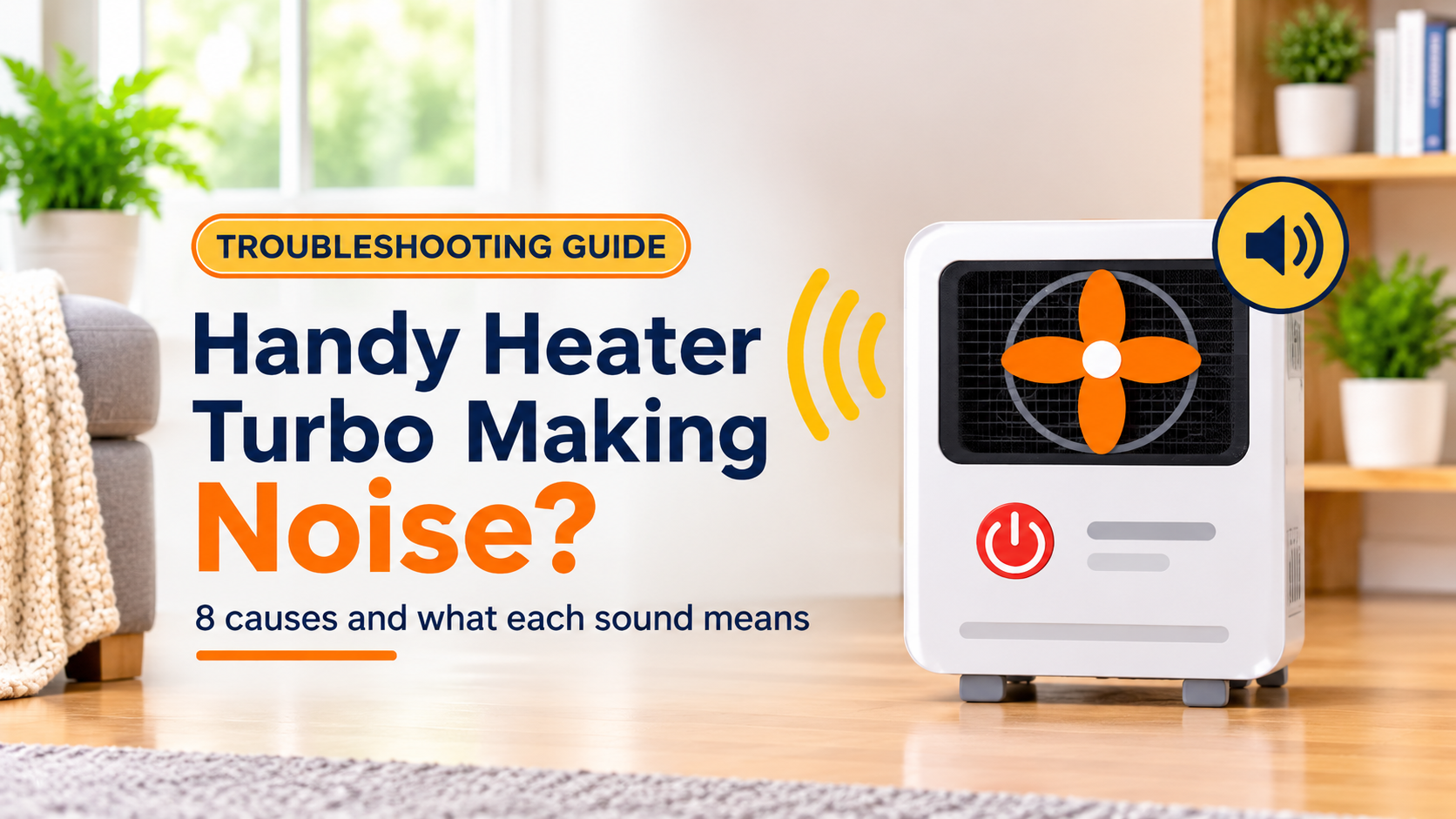
Handy Heater Turbo Making Noise? 8 Causes and Fixes
A portable heater is never completely silent. There is always some fan noise, and many heaters click or tick as they warm up. But when your Handy Heater Turbo starts to hum louder than before, rattle, squeal, grind or crackle, it is natural to wonder whether something is wrong. Is it a harmless quirk, or a sign that the heater is about to fail?
The answer depends on the type of noise. This guide helps you identify the sound, understand the most common causes, fix the ones you can fix safely, and recognize the noises that mean it is time to stop using the heater.
Safety first: Crackling, popping, sparking, a loud buzzing from the plug or outlet, or any noise combined with a burning smell, smoke or a hot plug is a warning. Unplug the heater if you can do so safely, move away from it and do not use it again until the cause is found. In an emergency, call your local emergency number.
- What does the noise tell you?
- Where heater noises come from
- Cause 1: Normal fan and airflow sound
- Cause 2: Clicking from heating and cooling
- Cause 3: Thermostat or relay clicking
- Cause 4: Uneven or soft surface
- Cause 5: Dust, lint or debris on the fan
- Cause 6: Loose grille, filter or casing
- Cause 7: Worn fan motor or bearings
- Cause 8: Electrical problems
- Noise severity scale
- Step-by-step checklist to quiet your heater
- When to replace the heater
- How to keep it quiet
- Frequently asked questions
What Does the Noise Tell You?
Different problems make different sounds, so describing the noise accurately is the first step. Think about when it happens (at start-up, while running, or when the heater switches off), where it seems to come from, and whether it is new or has been getting louder.
Where Heater Noises Come From
Most heater noise comes from four places: the casing and grilles, the fan and motor, the thermostat and switching parts, and the plug and outlet. Knowing which area the sound comes from narrows down the cause quickly. Always unplug the heater and let it cool before you inspect it.
Cause 1: Normal Fan and Airflow Sound
The fan is the main source of sound in any portable heater. It produces a steady hum or a soft whoosh as it pushes air across the heating element. Turbo or high-speed modes spin the fan faster, so they are naturally louder than low or eco modes. A new heater can also sound different from an older one simply because of the fan design.
How to tell it is normal:
- The sound is steady and even, with no rattling or scraping.
- It has sounded the same since you bought the heater.
- It gets louder only when you switch to a higher fan speed or turbo mode.
- The air coming out feels normal and the heater does not smell hot.
If the sound is acceptable, there is nothing to fix. If it bothers you at night, use a lower setting or choose a quieter heater next time.
Cause 2: Clicking From Heating and Cooling
Metal and plastic parts expand when they heat up and contract when they cool down. This can produce light ticking or clicking sounds when you switch the heater on and for a few minutes after you switch it off. It is similar to the ticking of a car engine or an oven after use.
What to do: Nothing, as long as the clicks are light, occasional and fade quickly. They are a normal part of the heater’s operation.
Cause 3: Thermostat or Relay Clicking
Many heaters use a thermostat and a small switch (a relay or similar part) to turn the heating element on and off as the room temperature changes. Each time it switches, you may hear a soft click. In a quiet room, this can sound loud, especially if the heater cycles often.
How to tell it is normal:
- You hear a single click every few minutes, not constant rapid clicking.
- The heating comes on or goes off right after the click.
- The heater otherwise works properly.
If the clicking is rapid and constant, or the heater turns on and off every few seconds, the thermostat, the power supply or an overheat protection device may be causing trouble. Try plugging directly into a wall outlet, clean the vents and move the heater away from walls. If it continues, stop using the heater.
Cause 4: Uneven or Soft Surface
A heater placed on carpet, a rug, a tilted floor or a wobbly table can vibrate against the surface and amplify even a normal fan sound into a loud buzz or rattle. Vibration noise often changes when you press on the heater or move it a few inches.
What to do:
- Place the heater on a hard, flat, stable floor.
- Do not place it on a bed, sofa, cushion or an unsteady table.
- Check that all feet are in firm contact with the surface.
- Keep it away from walls and furniture so it cannot vibrate against them.
Cause 5: Dust, Lint or Debris on the Fan
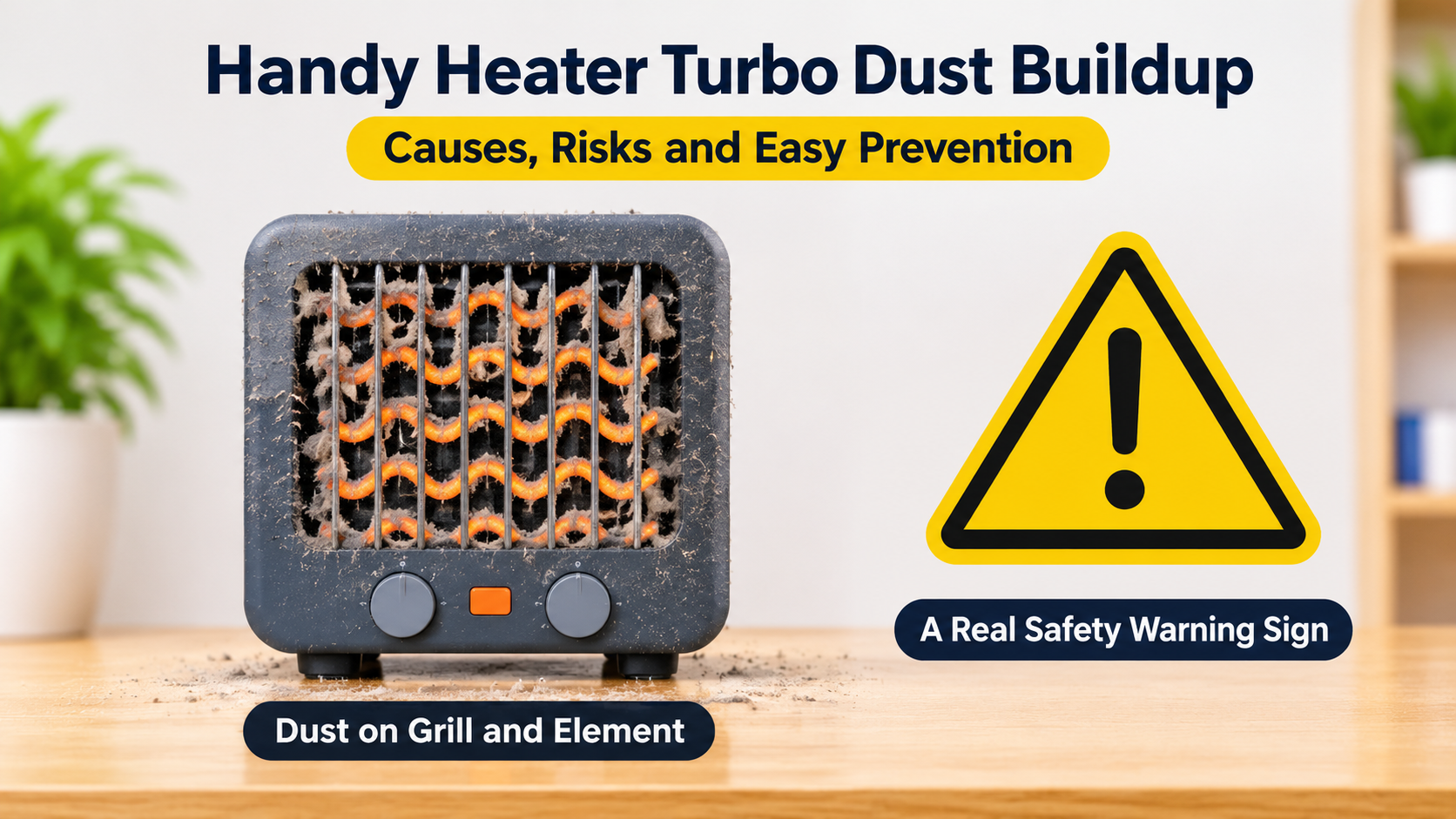
Dust, pet hair and lint are pulled into the heater with the air. Over time they collect on the fan blades and around the motor. The fan can become unbalanced, which causes a wobble and a rattling or humming noise. In some cases, a small piece of debris touches the blades and makes a scraping or ticking sound.
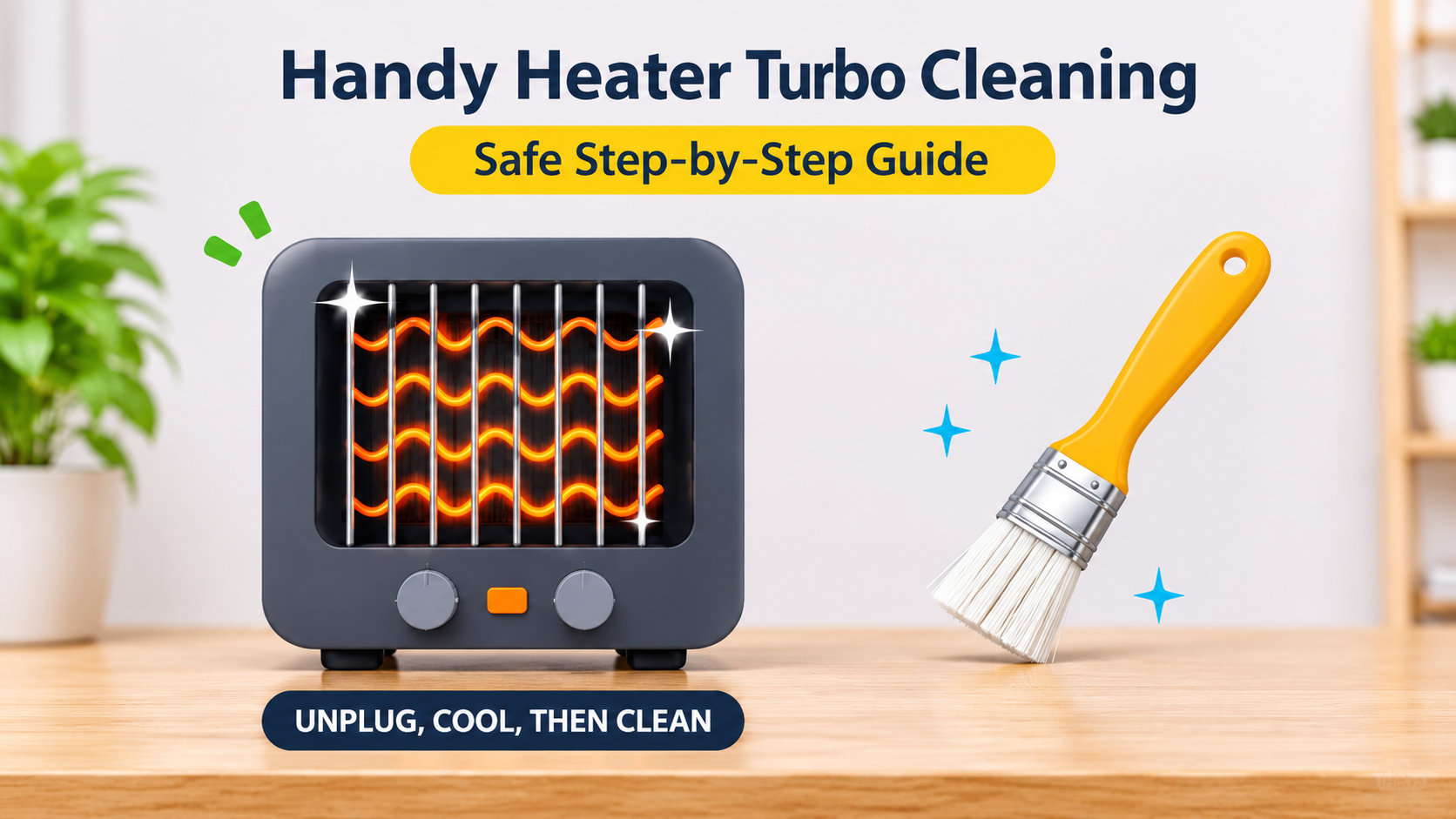
How to clean it safely:
- Unplug the heater and let it cool for at least 30 minutes.
- Clean the front and rear grilles with a soft brush or a vacuum with a brush attachment.
- If your model has a removable filter, clean it according to the manual and let it dry completely.
- Look through the grille with a flashlight for visible debris, and remove only what you can reach safely.
- Never push metal objects through the grille, and never open the casing unless the manual allows it.
Quick tip: Cleaning the vents every two to four weeks during the heating season keeps the fan balanced and the noise level low.
Cause 6: Loose Grille, Filter or Casing
Parts that fit loosely can buzz or rattle when the fan vibrates. This is especially common on a heater that has been moved a lot, dropped or stored badly. A filter that is not seated properly, a loose front grille or a loose carry handle can all produce annoying noises.
- Check that any removable filter or cover is fully seated and clicked into place.
- Gently press different parts of the casing while the heater is off to find loose areas.
- Do not open the heater to tighten internal screws, because there are mains-voltage parts inside.
- If a part is cracked, broken or visibly loose, contact the seller or manufacturer.
Cause 7: Worn Fan Motor or Bearings
The fan motor turns many thousands of times a minute. Over time, its bearings can wear out or dry up. The typical result is a high-pitched squeal, a grinding or growling noise, or a motor that sounds strained and slow. Worn bearings do not fix themselves, and a failing fan can lead to overheating because less air passes over the heating element.
Signs of a failing motor:
- A squealing or grinding sound that gets louder over time.
- A fan that starts slowly or turns slower than before.
- Weak airflow even though the vents are clean.
- The heater smells hot or shuts off after a short time.
What to do: After cleaning the vents, if the squealing or grinding remains, stop using the heater and contact the seller or manufacturer. Do not attempt to oil or repair the motor yourself.
Cause 8: Electrical Problems
Electrical noises are the ones you should take most seriously. A loose plug, a worn outlet, a damaged cord or a failing internal component can create buzzing, crackling, popping or sizzling sounds. These often come with flickering, a burning smell, a hot plug or sudden shut-offs.
Warning signs:
- Crackling or popping from the plug, the cord or inside the heater.
- A loud buzz that comes from the wall outlet or the plug.
- Sparks, flickering or smoke.
- A cord that is frayed, flattened, discolored or hot.
Stop using the heater if you hear crackling, popping or sparking. Unplug it if you can do so safely. Do not open the casing. Contact the seller or manufacturer about a replacement, and have the outlet checked by a qualified electrician if it buzzed or felt hot.
Noise Severity Scale
Use this scale to decide quickly how serious your noise is.
Step-by-Step Checklist to Quiet Your Heater
Work through these steps in order. They start with the simplest and safest checks.
| Noise | Most likely cause | What to do |
|---|---|---|
| Steady hum or whoosh | Normal fan operation | Nothing, or use a lower speed |
| Light ticking at start and stop | Heating and cooling expansion | Nothing, it is normal |
| Single click every few minutes | Thermostat or relay cycling | Nothing, it is normal |
| Buzzing or vibration | Soft or uneven surface | Move to a hard, flat floor |
| Rattling or scraping | Dust, debris or a loose part | Unplug, clean, check the fit |
| Squealing or grinding | Worn motor or bearings | Stop using, claim warranty or replace |
| Crackling, popping or sparks | Electrical fault | Unplug and stop using immediately |
When to Replace the Heater
It is time to replace the heater in these situations:
- It makes a grinding, squealing or crackling sound that persists after cleaning.
- The noise is getting louder or the fan runs slower than before.
- You have seen sparks, smelled burning or felt a hot plug.
- The heater shuts off repeatedly together with the noise.
- The casing, grille or cord is cracked or damaged.
- It is under warranty. Contact the seller or manufacturer first.
If you decide to buy a replacement, and quiet operation matters to you, look for these features:
- Multiple fan or heat settings so you can choose a quiet mode at night.
- A quiet or sleep mode, if available.
- Sturdy construction with a stable base that does not rattle.
- Tip-over and overheat protection, plus a recognized safety certification.
- Easy-to-clean vents and filter.
- A clear warranty and responsive support.
How to Keep Your Heater Quiet
- Clean the grilles and filter every two to four weeks while using the heater.
- Place it on a hard, flat, stable floor.
- Keep about three feet of free space around it so airflow is smooth.
- Plug directly into a wall outlet and avoid extension cords.
- Do not move or carry the heater while it is running or hot.
- Store it upright in a dry, dust-free place at the end of the season.
- Inspect the cord and plug before each season.
- Use lower fan speeds when quiet matters more than quick heating.
Good to know: A portable heater works best as a spot heater. Using it on a lower speed for a longer time is often quieter than running it on turbo for short bursts.
Frequently Asked Questions
Why is my Handy Heater Turbo so loud?
The most common reasons are turbo or high-speed mode, dust on the fan, a soft or uneven surface, or loose parts. Less often, worn bearings or an electrical issue are to blame.
Is it normal for a portable heater to click?
Yes. Light clicks and ticks from expanding parts or the thermostat switching are normal. Rapid, constant clicking is not.
Why does my heater make a humming noise?
A steady hum is usually the fan motor. It can get louder with dust buildup, vibration on a soft surface or when running in turbo mode. A harsh or buzzing hum from the plug or outlet is different and should be checked by an electrician.
Why is my heater rattling?
Rattling is often caused by dust on the fan, debris touching the blades, a loose grille or filter, or vibration on an uneven floor. Unplug it, clean it and check the surface.
My heater makes a squealing or grinding noise. Is it dangerous?
It can be. Squealing or grinding usually points to worn motor bearings, which can reduce airflow and cause overheating. Stop using the heater and contact the seller or manufacturer.
Why does my heater crackle or pop?
A brief crackle when dust burns off at start-up can happen. But persistent crackling or popping, or any sparking, can signal an electrical fault. Unplug it and stop using it.
Can I oil the fan to make it quieter?
No. Do not open the heater or apply oil or lubricants. These parts sit close to heating elements and mains voltage, and lubricants can create a fire risk.
How can I make my heater quieter at night?
Use a lower fan speed, place it on a hard, flat surface, clean the vents regularly and keep it away from walls and furniture. Never leave a heater running while you sleep unless the manual clearly says it is allowed.
Final Thoughts
Not every noise from your Handy Heater Turbo is a problem. Humming, whooshing and light clicking are part of normal heater operation, especially in turbo mode. Rattling and scraping usually point to dust, a loose part or an uneven surface and can be fixed in minutes. Squealing, grinding and crackling, on the other hand, are warning signs that should not be ignored.
Identify the sound, work through the checklist and be honest about when to stop. If the noise persists or you ever see sparks, smoke or a hot plug, unplug the heater, stop using it and replace it with a unit that has proper safety features. A quiet, safe heater is worth far more than one that simply keeps running.
Disclaimer: This article is for general information only. Features differ between models, so always follow the manufacturer’s user manual for your specific heater, and consult a qualified electrician for any electrical problem in your home. In an emergency, contact your local emergency services.