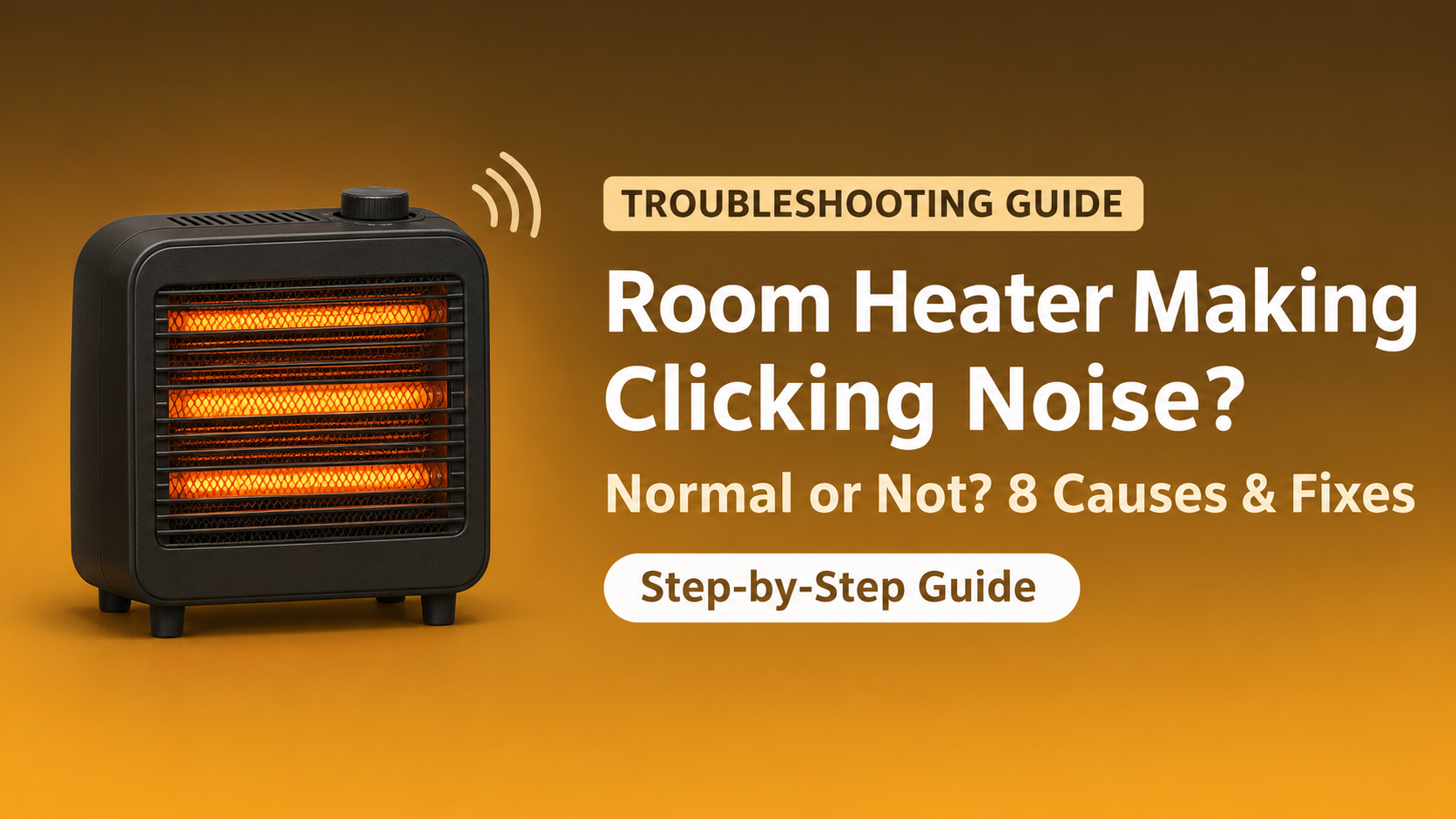

Room Heater Making Clicking Noise? 8 Causes and Easy Fixes
You switch on your heater and hear a click, a tick, or a repeated tapping sound. A room heater making a clicking noise can be harmless, or it can be an early warning of a fault. The good news is that most clicks are normal and come from the thermostat or from metal parts expanding and contracting. The key is to know the difference.
In this guide you will learn why heaters click, which sounds are normal, which sounds are dangerous, how to troubleshoot the problem step by step and when to call a technician or replace the heater.
Quick Answer: Why Is My Heater Clicking?
A single click when the heater starts or stops is usually the thermostat or relay switching. Soft ticking while the heater warms up or cools down is normal metal expansion. Constant or fast clicking, buzzing, sizzling or popping can mean a loose part, a fan problem, a bad relay or an electrical fault and should be checked.

Normal Clicking or Real Problem?

| Sound | Usually Means | Action |
|---|---|---|
| Single click at start or stop | Thermostat or relay switching | Normal, no action |
| Soft ticking during warm-up or cool-down | Metal parts expanding or shrinking | Normal, no action |
| Repeated clicking every few seconds | Thermostat short cycling or failing relay | Check settings, clean, then service |
| Tapping or scraping with fan noise | Fan blade touching debris or loose part | Unplug, clean and tighten |
| Sizzling, buzzing or popping | Loose connection or electrical arcing | Stop using, call a technician |
1. Thermostat Switching On and Off
The thermostat controls when the heating element starts and stops. Each time it switches, you may hear a small click. This is normal and shows the heater is controlling the room temperature.
If the clicking happens very often, every few seconds, the thermostat may be short cycling because of dust, drafts or a failing thermostat.
Fix: Raise the thermostat setting, clean the vents and place the heater away from drafts. If the clicking continues, have the thermostat checked.
2. Metal Expanding and Contracting
When the heating element and metal body heat up, they expand slightly. When they cool, they shrink again. This creates soft ticking or pinging sounds, especially right after you switch the heater on or off.
This is a normal sound and does not need any repair.
3. Relay or Power Switch Clicking
Digital and higher-power heaters use a relay to switch the heating element. A relay produces a clear click each time it turns the element on or off. A healthy relay clicks occasionally. A worn relay may click repeatedly, chatter, or fail to switch the heat at all.
Signs of a failing relay: repeated clicking without heat, heating that starts and stops randomly, or a heater that works only sometimes. This needs professional service.
4. Fan Blade Touching Debris or a Loose Part
If the clicking sounds like tapping, ticking or scraping and changes with the fan speed, the fan blade may be hitting dust, a small object or a loose wire or screw inside the grille.
- Switch off the heater, unplug it and wait at least 30 minutes.
- Look through the grille with a flashlight for debris.
- Remove dust and visible debris with a soft brush or vacuum.
- Tighten loose grille screws or covers if they are accessible.
- Spin the fan gently by hand if possible and check that it moves freely.

5. Loose Grille, Cover or Screws
Vibration from the fan can make a loose grille, back cover or screw rattle or tick. This is an easy problem to fix.
Fix: With the heater unplugged and cool, check and tighten visible screws and make sure the front grille is fully seated. Do not open sealed internal parts.
6. Worn Fan Motor or Bearing
A worn motor bearing can produce clicking, grinding or squealing sounds that get louder over time. The fan may spin slowly or unevenly, and the heater may overheat and shut off.
This needs professional repair or replacement, because a weak fan can cause overheating.
7. Oil Expanding in an Oil-Filled Radiator
Oil-filled radiators often make ticking or popping sounds as the oil heats up and the metal fins expand. This is normal, especially during the first 10 to 20 minutes.
If you hear gurgling, hissing or see oil leaking, stop using the heater and have it checked.
8. Loose Plug, Socket or Electrical Arcing
A loose plug or worn socket can cause crackling, buzzing or sizzling with a clicking sound. This is dangerous because arcing creates heat and can damage the plug or socket.
- Unplug the heater at once if you hear crackling or sizzling.
- Check the plug and socket for burn marks, melted plastic or a hot feel.
- Do not use extension cords or multi-plugs with a room heater.
- Have the socket or cord replaced by a professional.
Clicking Noise by Heater Type
| Heater Type | Common Click Source | Usually Normal? |
|---|---|---|
| Fan heater | Thermostat, fan hitting debris, loose grille | Single clicks yes, tapping no |
| Ceramic heater | Relay, thermostat, expansion | Occasional clicks yes |
| Oil-filled radiator | Oil and metal expansion | Yes during warm-up |
| Halogen / infrared | Tube expansion, tip-over switch | Light ticking yes |
Step-by-Step Troubleshooting Checklist
- Listen carefully: is it a single click, ticking or repeated clicking?
- Note when it happens: at start, at stop, while running or when the fan speeds up.
- Unplug the heater and let it cool for at least 30 minutes.
- Clean vents, grille and visible fan area with a soft brush or vacuum.
- Check the grille, cover and screws for looseness.
- Place the heater on a flat, hard surface.
- Inspect the plug and socket for burn marks or heat.
- Run the heater again. If the repeated clicking, buzzing or smell continues, stop and contact a technician.
When to Stop Using the Heater
- You hear sizzling, popping, buzzing or crackling
- You smell burning or melting plastic
- You see sparks or smoke
- The plug, cord or socket feels hot
- The heater clicks and then turns off repeatedly
- You notice oil leaks or a damaged cord
Unplug the heater and do not open it while it is connected to power. Heaters use high current, so internal repairs should be done by a qualified technician.
Repair or Replace?
Repair if the heater is relatively new, under warranty, or the problem is a loose part, fan or relay on a good-quality model.
Replace if the heater is more than 5 to 7 years old, shows electrical damage or arcing, has a failing motor, or the repair cost is more than half the price of a new heater.
How to Prevent Heater Noise Problems
- Clean vents and the grille every 1 to 2 weeks during the season.
- Place the heater on a flat, stable surface.
- Avoid moving or knocking the heater while it is hot.
- Do not use extension cords or damaged plugs.
- Store it dry and covered after winter.
- Test the heater before the cold season so you can fix issues early.
What to Look for in a New Room Heater
- Quiet operation and good reviews for low noise, especially for bedrooms.
- Safety features: tip-over switch, overheat protection and cool-touch body.
- Quality thermostat and smooth controls.
- Sturdy build with a tight-fitting grille and cover.
- Right wattage for your room size.
- Warranty and local service support.
Frequently Asked Questions (FAQ)
Is it normal for a room heater to click?
Yes, occasional clicks are normal. They usually come from the thermostat or relay switching, or from metal parts expanding and contracting as the heater warms up or cools down.
Why does my heater click when I turn it on?
The thermostat or relay closes and sends power to the heating element, which creates a small click. Metal parts may also tick as they heat up.
Why does my heater keep clicking on and off?
Repeated clicking often means the thermostat is short cycling or a relay is failing. Dust, drafts, poor placement or a worn part may be the cause.
Why does my oil-filled heater make ticking noises?
The oil and metal fins expand as they heat, which causes ticking or popping. This is normal during the warm-up period.
Is a clicking heater dangerous?
Normal clicks are not dangerous. Constant clicking with buzzing, sizzling, burning smell, sparks or a hot plug can be dangerous, so unplug the heater and have it checked.
How do I stop my heater from clicking?
Clean the vents and fan area, tighten loose parts, place the heater on a flat surface and keep it away from drafts. If it still clicks repeatedly, get a technician to check the thermostat, relay or fan.
Final Thoughts
A room heater making a clicking noise is often just the thermostat or the metal parts doing their normal job. Learn the pattern of the sound, clean the heater, tighten loose parts and keep it on a stable surface. If you hear constant clicking, buzzing, sizzling or notice a burning smell, stop using the heater at once. A professional repair or a new, quiet, well-built heater is the safest choice.